
Contact us
Please include your iPhone model and iOS version.
Common questions
-
I forgot my pattern.
We can't see or reset it. If iCloud Sync was on:
- Delete the app and install it again.
- Choose “I already have a vault, restore from backup”.
- Draw a new pattern.
- Restore with your backup key.
Without iCloud Sync, the vault can't be recovered.
-
Where is my backup key?
Settings → iCloud Sync → Backup Key. It is also saved in your iCloud Keychain.
-
How do I restore a purchase?
Settings → Plan → Restore Purchases.
-
How do I cancel my subscription?
On your iPhone: Settings → [your name] → Subscriptions → DotLock.
What DotLock does
Everything is encrypted on your iPhone with AES-256-GCM, and each vault has its own key. No account, no ads, no tracking.
-
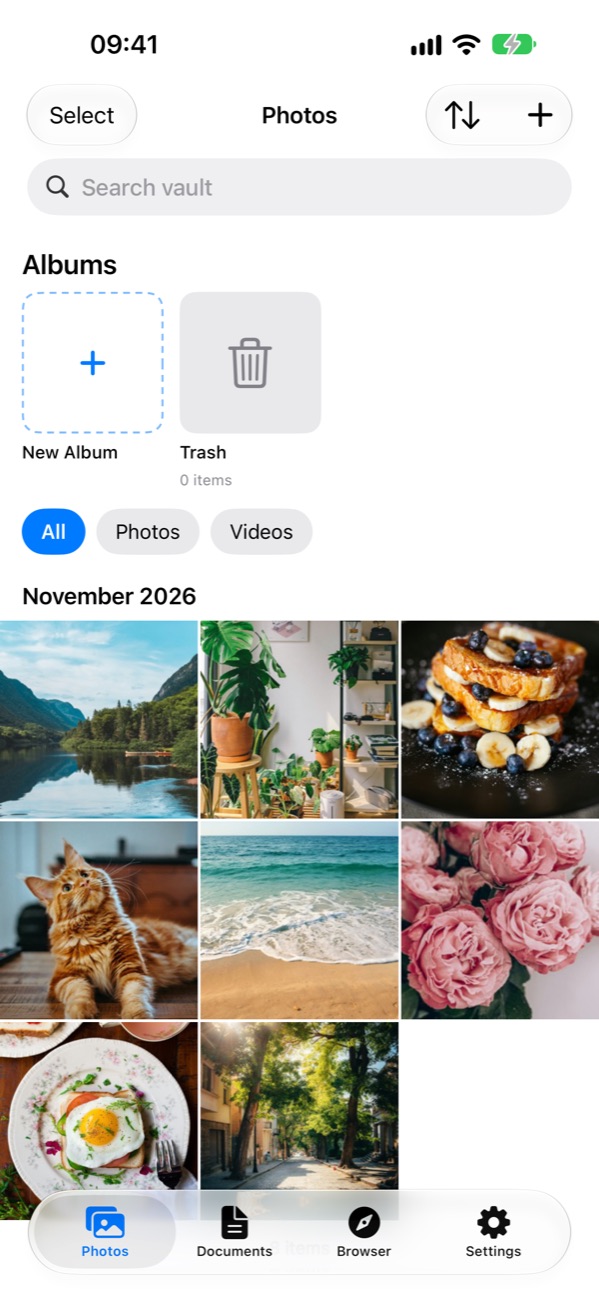
Photos, videos, files, notes
Import from Photos or Files, or shoot straight into the vault. Albums, search and a 30-day Trash.
-
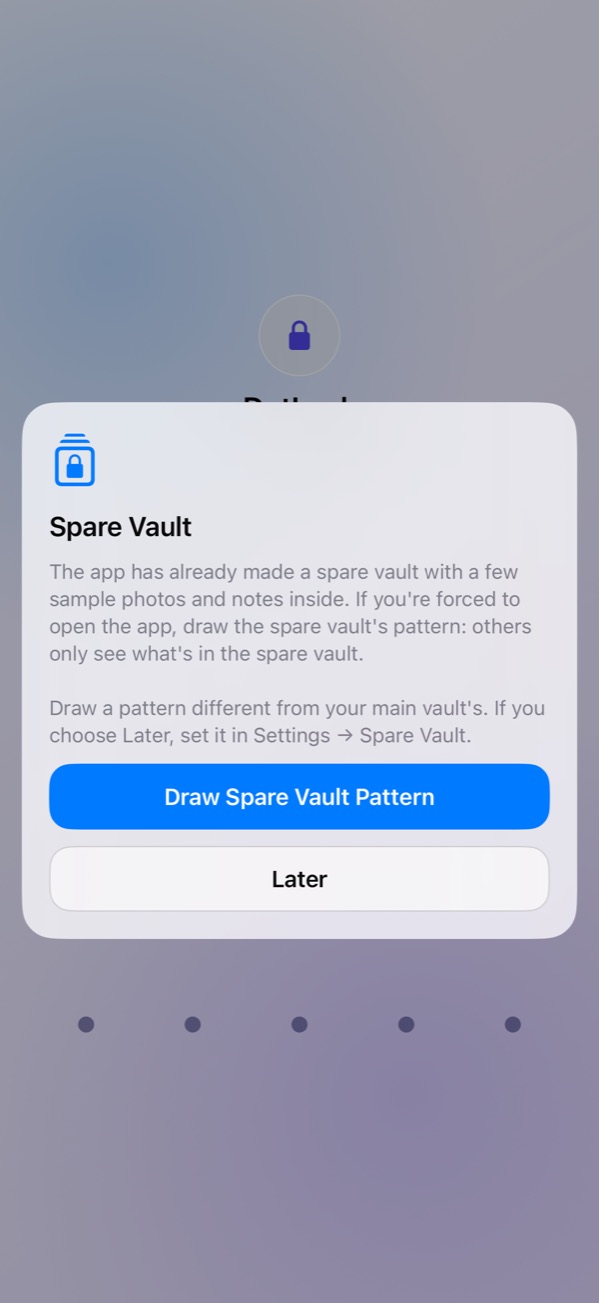
A spare vault
If someone makes you open the app, draw your spare pattern. They see everyday samples, not your real vault.
-
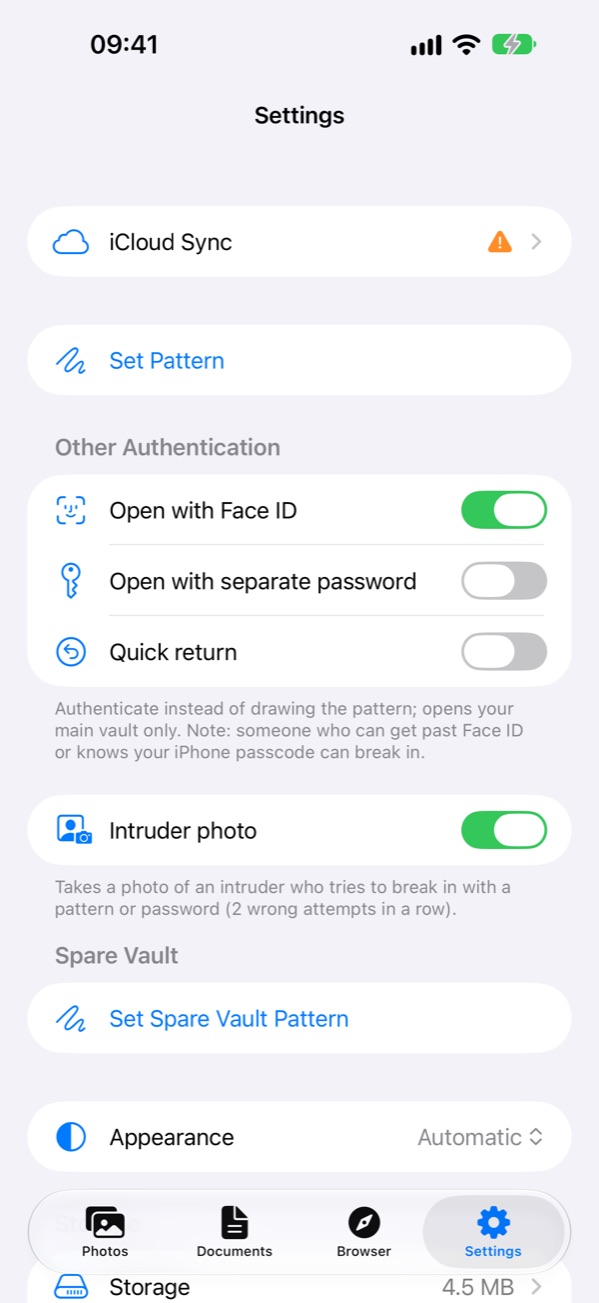
Locks when you look away
Leave the app or put your iPhone face down and it locks. Face ID, a separate password and intruder photo are optional.
-
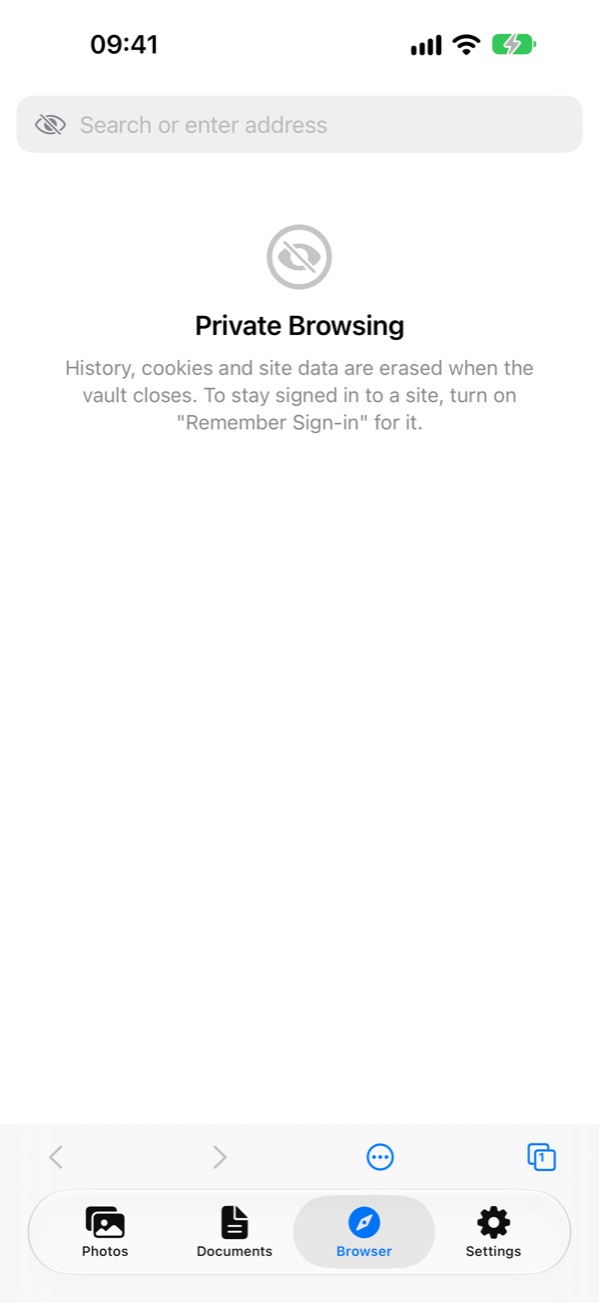
A private browser
History is erased when the vault closes. Downloads go into the vault, never into Photos.